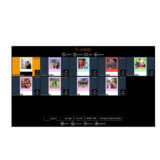
DNP Software DiLand Kiosk 2 para DNP
PVPR: 302,50€ IVA incl.
Compatible with DNP printers only (DS40 – DS620 – RX1 – RX1 HS – DS80 – DS80D – DS820)
INCLUDES:
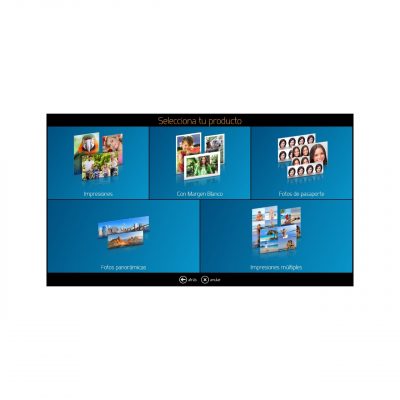
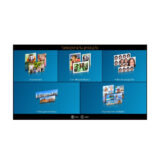
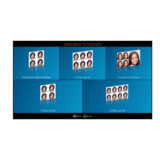
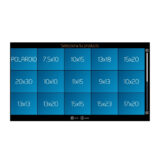
- Prints
- Prints with white border
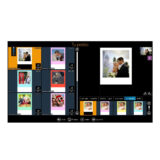
- Cards (templates can be created)
- International Passports
- Panoramic (with DS620 and/or DS820)
Possibility of extending the license to include other creative contents such as Calendars, Collages, Posters, etc.
Código AP: DNP800402 |
SKU: XSWDL2DNP |
EAN:
In stock
¿Eres profesional del sector?
Accede a tarifas de distribuidor desde 1 unidad y descuentos exclusivos por volumen.
DNP800402 – Software – DILAND Kiosk 2 for DNP : 250 € + VAT
MISCELLANEOUS :
The Software is “owned” by means of a license that is enabled with the supplied USB dongle.
It is not necessary to have the DNP printer driver installed.
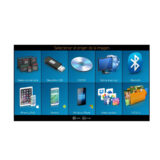
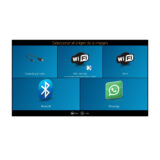
In order for the Diland Kiosk 2 software for DNP to display images sent via Bluetooth, telephone cable, cards, pendrives, wifi, etc., it is necessary that these elements work correctly with Windows, otherwise the Diland software will not be able to use them for this purpose.
Quick and easy installation by the user.
Consult user support conditions in the case of being installed for printers not supplied by AP PHOTO or not being a regular customer of consumables.
*OPERATING SYSTEM REQUIREMENTS
DiLand Kiosk can be installed on Windows XP SP3, Vista, Win 7, Win 8, Windows 10.
32 and 64 bit. Windows 7 or higher is recommended.
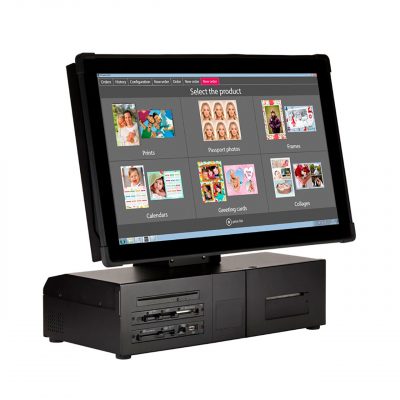
Compatible with touch screens.
Remember that older operating systems are not able to handle some smartphones correctly.
______________________________
SOFTWARE in DEMO mode:
To try the software before you buy it, you can download a demo version at the following link:
Once you run the software installer, either the demo or the final installer, it creates a DiLand Kiosk 2 icon on your desktop.
The first time you run the software it will ask you some usage questions and this will complete the installation.
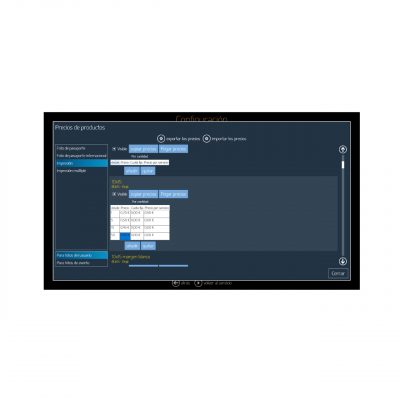
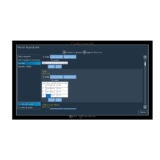
Once the software is running you can enter the configuration section by pressing the ESC key on the keyboard or by touching in sequence first the bottom left corner and then the bottom right corner of the screen.
To minimize the software press F12.
For the correct functioning of the software, Windows must have Microsoft .NET Framework 4 Full Package installed. In case of missing .net framework, a warning message will be displayed during the installation of DiLand Kiosk 2.
Download link .NET Framework 4:
For more information or purchase advice please contact us:
| Código AP | DNP800402 |
|---|---|
| Unidades x Caja | 1 |
Productos relacionados con este producto
-

-

-
-

Mobiprint Kit Sistema Wi-Fi de descarga de imágenes desde teléfono Móvil
AP Code:MBP100000
PVPR: 194,00€ IVA incl.