
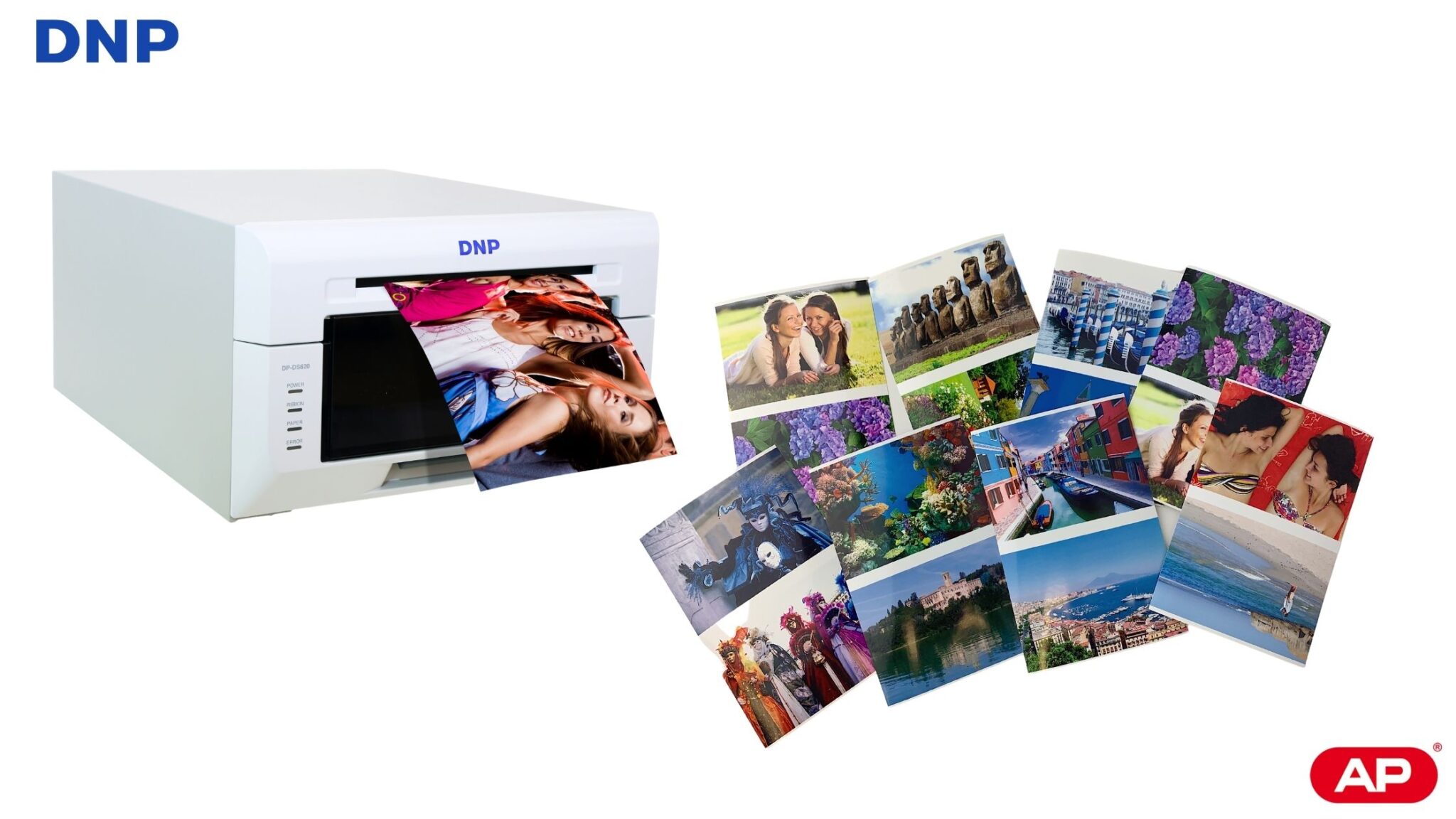
In this post we are going to explain how to print with a DNP DS620 printer two images of size 7x10cm inside a 10×15 print with Windows 7,8 and 10.
The images to be printed in 7×10 can be of the same photo, one or several copies, or of different images, in which case, each 10×15 print will contain two different 7×10 images.
Let’s get started!
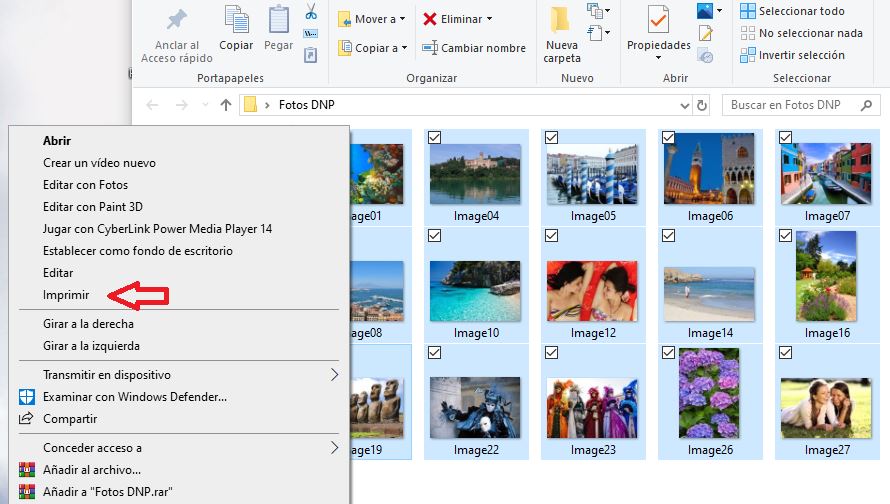
1.- Open a folder and select the images. Then right-click and select “print”.
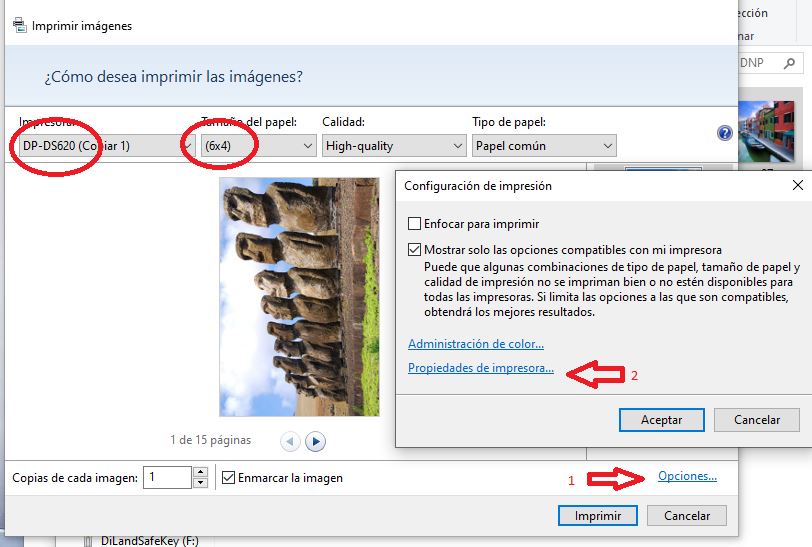
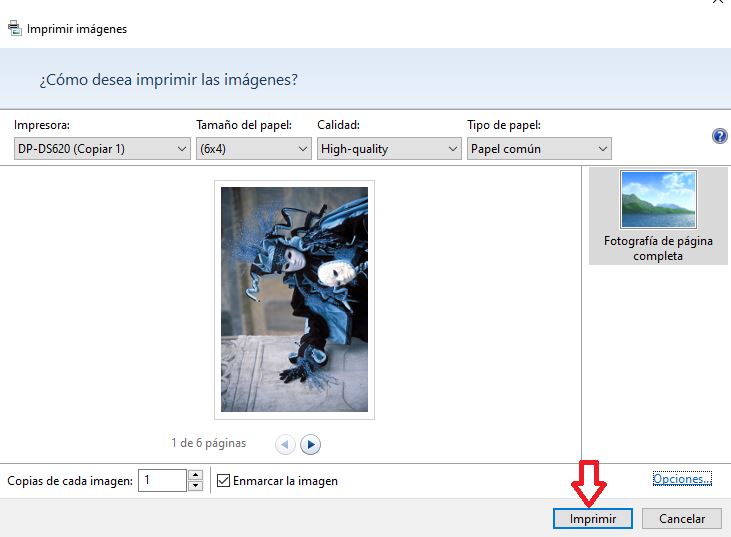
2.- Select the DNP DS620 printer and the print size 10×15 (6×4). Then select “Options” and “printer properties”.
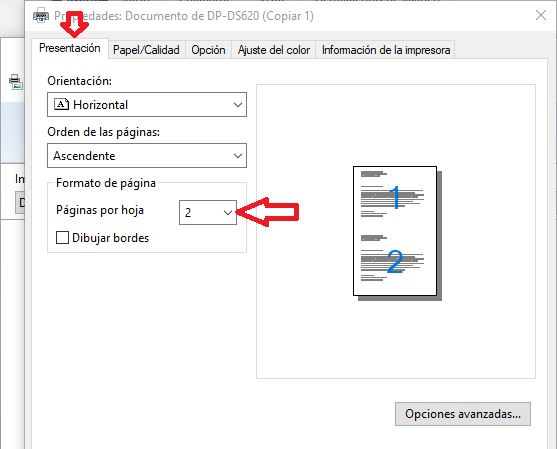
3. Now under “Pages per sheet” indicate “2” and click “OK”.
4. “Print” button
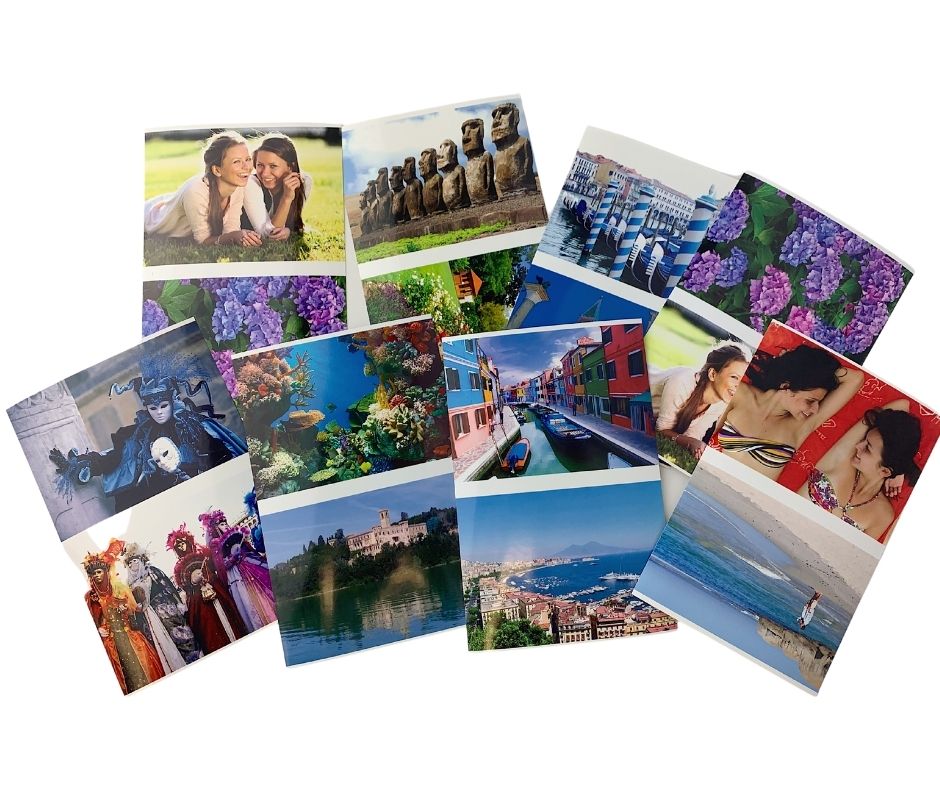
And this will be the final result.
We hope you found it useful.


